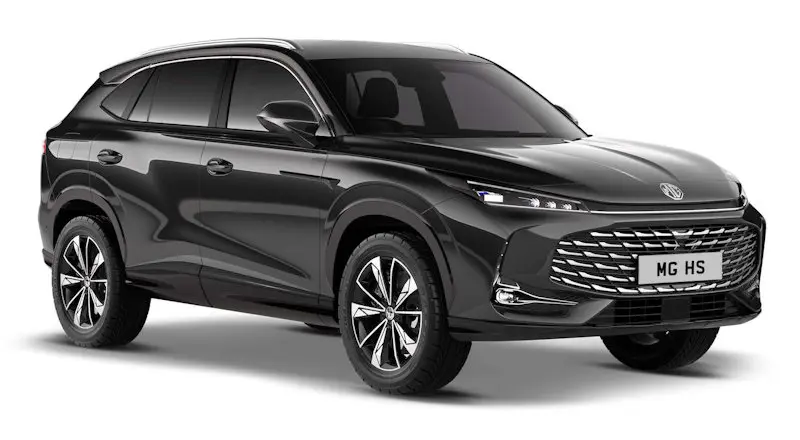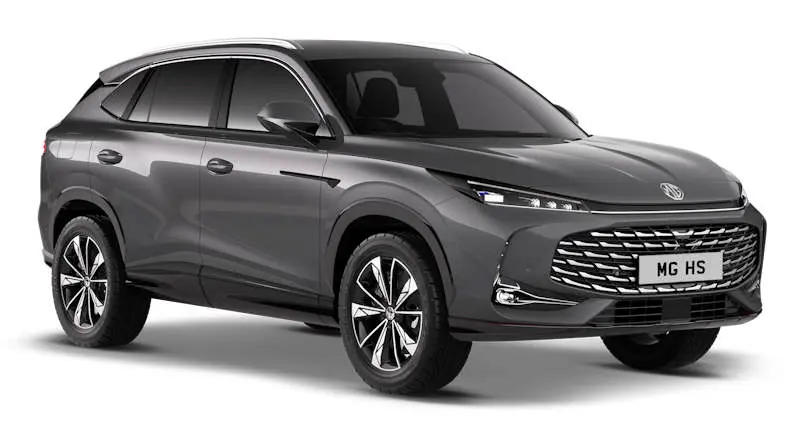

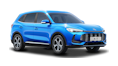

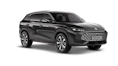
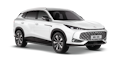
MG HS Plug-in Hybrid • Connected ownership
MG HS Plug-in Hybrid: make more of iSMART
From finding your parked car to setting the cabin temperature, a few minutes with iSMART can make everyday ownership easier.

At a glance
- Check vehicle information and selected remote functions from your phone.
- Wi-Fi hotspot is available on Trophy only.
- Confirm account setup and the functions supported by your own car.
What can the app do?
MG iSMART connects your phone with supported vehicle services. For the current UK HS Plug-in Hybrid, MG lists remote locking and unlocking, vehicle location, fuel, range and tyre-pressure information, journey planning and cabin-climate preparation.
That gives the app a useful place in ordinary routines: finding your car after a shopping trip, checking its reported status before leaving home or preparing the cabin before you get in. Available functions depend on the model and specification; the illustrations below show MG’s app across its European range.
Get the right app, then confirm your car
Use the genuine MG iSMART app linked through MG’s official ownership information or its verified app-store listing. The publisher says you need to register your vehicle in the app before using its functions.
At handover, ask your Invicta MG team to help confirm the correct account and vehicle connection using the current instructions for your car. Follow the steps shown in your own app and handbook rather than a video for another MG model or an older software version.
If you are buying a used HS, include connected-account access in the handover conversation. Ask the team to check what is needed before expecting a previously registered vehicle to appear in your account.
Prepare the cabin before you leave
MG lists pre-set cabin climate and seat pre-heating among the current HS Plug-in Hybrid’s connected services. Ask the team to demonstrate the controls supported by your exact specification and any operating conditions.
For a practical first try, use the feature while you are parked and can check the result at the car. Learn how to stop the request as well as start it, and use the vehicle’s normal controls whenever you need to make an adjustment in person.
Journey planning and the Trophy distinction
Sending a destination ahead can make a familiar departure smoother. MG includes remote journey planning in its UK HS Plug-in Hybrid description; ask for a demonstration with a destination you actually use.
MG marks the in-car Wi-Fi hotspot as available on Trophy only. If that matters to your passengers, confirm it on the exact car and ask about connected-service availability and any applicable terms before choosing a specification.


When the phone and car do not agree
Treat remote information as a useful check, and confirm the car’s condition directly whenever something looks wrong. An app is not a substitute for checking a tyre-pressure warning at the vehicle.
If a command does not work, note the message and the function you were trying to use. Your Invicta MG team can help identify the right current instructions and distinguish account or connection questions from a vehicle issue.
For a service visit, bring your phone, access to your account and the car’s details. Do not send passwords or security codes by email.
Your questions answered
Is iSMART the same as Apple CarPlay or Android Auto?
No. iSMART provides supported connected-car services through the MG app. Smartphone projection is a separate in-car function; confirm compatibility on your specification.
Does every HS Plug-in Hybrid have a Wi-Fi hotspot?
MG’s current UK model page marks the hotspot as Trophy-only. Confirm equipment and service terms for the exact vehicle.
Can Invicta help me get started?
Ask your MG team for an account and vehicle-connection demonstration at handover, using the current instructions for your car and app.
Make connected ownership part of your handover
Explore the HS Plug-in Hybrid or contact your Invicta MG team for help with the functions fitted to your car.